Quick Scan Items
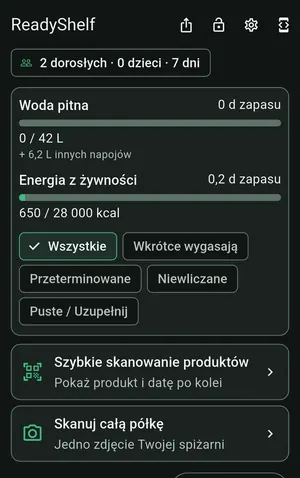
Hold items in front of the camera one by one—up to 15 per session. The app captures the product name, barcode, and expiry date, and the whole batch counts as a single scan.
Home emergency preparedness
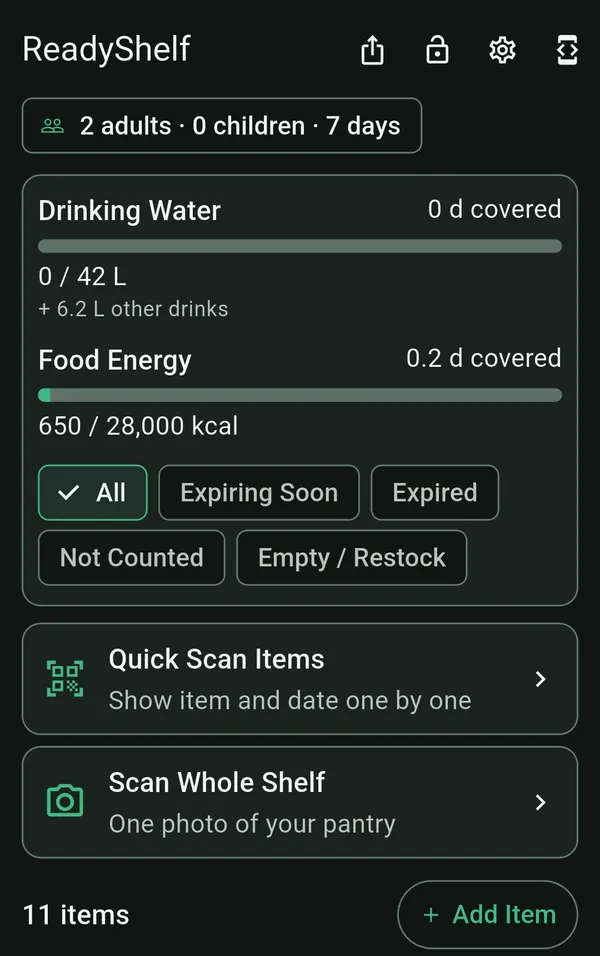
Scan items with your camera to track food, water, and expiry dates for your 72-hour kit. ReadyShelf calculates how many days your household can go—even when power and signal drop.
Photos are not stored
Scan a shelf or item by item
EU preparedness guidelines recommend keeping at least 3 days (72 hours) of essential supplies, built around 3.0 L of drinking water and 2,000 kcal of food per adult per day. Prefer US units? Select the US preset for Ready.gov guidance (1 US gallon per person per day for several days; 3-day default in US gal).
Source: European Commission – Preparedness (72 hours) · Verified with EU Civil Protection & Ready.gov on November 21, 2026. ReadyShelf tracks food, water, and expiry dates; see official checklists for radios, lighting, and heating.
Calculate for your household → Compare standards by country →
Supplies last
2
of 3 days
+0.5 days
Water still runs out first.
Your camera does the typing. After that, everything works offline.
Hold items in front of the camera one by one—up to 15 per session. The app captures the product name, barcode, and expiry date, and the whole batch counts as a single scan.
Take one photo of an entire shelf. ReadyShelf identifies shelf-stable foods, quantities, calories, and any clearly visible dates.
Point the camera at faint or embossed Best Before and Use By stamps so you never have to type them by hand.
Your full inventory is saved locally on your phone. View stock, update quantities, and check coverage during blackouts with no signal.
Show a QR code to copy your pantry onto another family member's phone—offline, and displayed in their own app language.
Export clean PDF checklists and restock lists for your emergency binder, ready for when batteries run low.
ReadyShelf supports 10 languages. When you share a pantry via QR code, food categories automatically appear in the recipient's language—even if their phone is set differently.
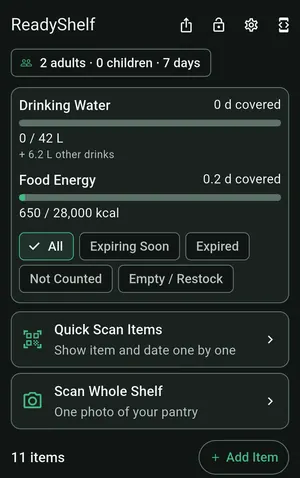 English
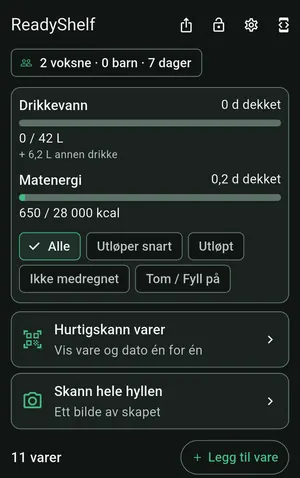 Norsk
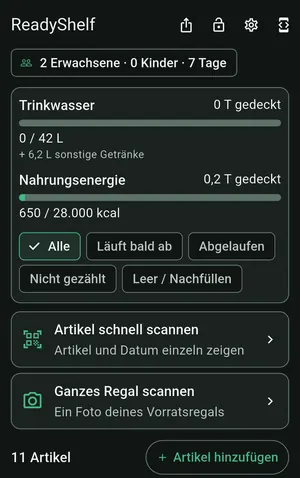 Deutsch
 Polski
Add adults, children, and pets, then pick your country preset. ReadyShelf sets daily water and calorie goals based on the 3-day baseline or your local standard.
Use your camera or add items manually. Recognized barcodes are saved on your phone so restocking takes seconds next time.
Get alerts before food expires, move empty items onto your restock list, and share your pantry offline via QR code.
What you keep in your cupboard is your business. That is why ReadyShelf has no accounts and no cloud storage.
No email, no password, and no sign-up. We do not know who you are.
When you scan, your photo is sent to Google Gemini for analysis and is not stored by ReadyShelf. Your pantry list stays saved locally on your phone.
No advertising IDs, no analytics tools, and no cookies—neither in the app nor on this website.
Try it free first. Unlock full access with a single Google Play purchase whenever you are ready.
$0
Introductory price
$5.99 then $8.99 · one-time purchase
Prices shown in USD. Google Play shows the price in your local currency. Applicable sales taxes or VAT may be added at checkout.
ReadyShelf is coming soon to Google Play. Before launch, we are running a closed test with a small group of Android users. Send us an email and we will reply with an invite when testing opens.
We will only use your email address to send your beta invite.
Yes. Your pantry list, day-coverage calculations, expiry reminders, QR sharing, and printable checklists all work completely offline. Only camera AI scans require an internet connection. Quick Scan photos taken offline wait safely on your phone and are analyzed once you are back online.
EU preparedness guidelines recommend at least 3 days (72 hours) of supplies, calculated in ReadyShelf at 3.0 L of drinking water and 2,000 kcal per adult per day (2.25 L and 1,400 kcal per child). A family of 2 adults and 2 children needs 31.5 L (about 32 L) of water and 20,400 kcal over 3 days. In the US preset, Ready.gov advises 1 US gallon per person per day for several days—also defaulting to 3 days (10.5 US gallons for the same family when children are scaled at 0.75 US gal/day, shown in US gallons).
Photos are sent over an encrypted connection to Google Gemini for analysis and are not stored by ReadyShelf. Google does not use photos from the paid service to train models. Quick Scan photos stay temporarily on your phone only while waiting and are deleted once the batch finishes.
No. There is no account, no sign-in, and no ad tracking. The app only creates a random number on your phone to keep track of your free trial scans.
No. You pay once through Google Play. Full Access includes up to 200 AI scans and 600 date stamp reads per year, up to 35 per day. Manual entry has no scan limit.
Everything else keeps working just as before: manual entry, barcodes you have scanned previously, expiry alerts, family sharing, and PDF printing. Barcodes the app already recognizes do not count toward your scan quota.
Yes. Show a QR code or send a .rshelf file to copy your pantry onto another phone, even offline. Food categories automatically appear in each person's own app language.
Not yet. ReadyShelf is launching first on Android via Google Play.
Calculate your household needs, compare official country guidelines, and see how ReadyShelf protects your privacy.
How much drinking water and food does your household need? Pick your country preset and household size.
What EU 72-hour guidance, Ready.gov, DSB, MCF (formerly MSB), BBK, and BWL recommend, with source links.
How long water, canned food, dry goods, and baby items last—and how often to check and rotate them.
Compare ReadyShelf with cloud pantry apps and spreadsheets on offline access, privacy, and pricing.
How to move or merge household lists between phones using QR codes or a local file with no cloud.
Where your data lives, what is sent when you scan, and how ReadyShelf handles Google Play Data Safety.